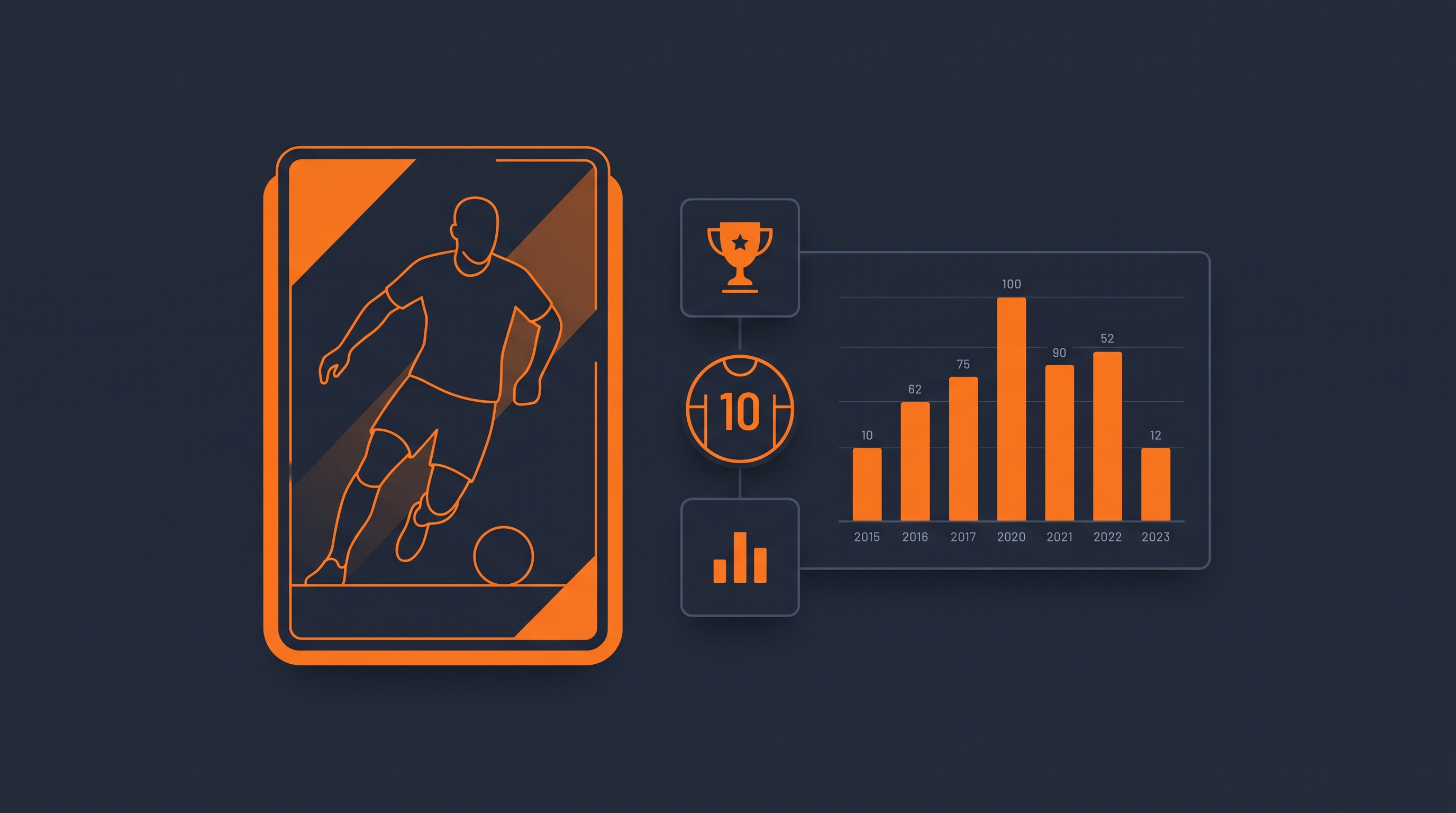
Beyond team and match data, most football apps eventually need player-level detail — profile bio, market value, and a full career history. This guide covers the /player and /player_matches endpoints, which return exactly that.
Step 1: Find the Player ID
Every player lookup starts with /player_search, which returns matching players along with their unique ID and nationality:
import requests

response = requests.get(
    'https://live-football-api.com/api/v1/player_search',
    params={'api_key': 'YOUR_KEY', 'q': 'haaland', 'lang': 'en'}
).json()

for player in response['data']['players']:
    print(f"{player['name']} ({player['country']}) — ID: {player['id']}")
Fetching a Full Player Profile
Once you have a player_id, the /player endpoint returns bio details (birthdate, height, weight, preferred foot), market value, current club, and a complete history of both club and international career seasons.
import requests

response = requests.get(
    'https://live-football-api.com/api/v1/player',
    params={'api_key': 'YOUR_KEY', 'player_id': 'lfa-haaland', 'lang': 'en'}
).json()

data = response['data']
print(f"{data['name']} — {data['position']}, {data['nationality']}")
print(f"Market value: {data['market_value']}")
print(f"Current club: {data['current_team']['name']}")

for club in data['clubs_career']:
    print(f"\n{club['team']['name']} (since {club['date_start']})")
    for season in club['seasons']:
        for comp in season['competitions']:
            print(f"  {season['name']} {comp['league']['name']}: "
                  f"{comp['goals']} goals, {comp['assists']} assists")
The same request in JavaScript:
const res = await fetch(
  'https://live-football-api.com/api/v1/player' +
  '?api_key=YOUR_KEY&player_id=lfa-haaland&lang=en'
);
const result = await res.json();
const data = result.data;

console.log(`${data.name} — ${data.position}, ${data.nationality}`);
console.log(`Market value: ${data.market_value}`);
Fetching a Player's Match-by-Match Log
The /player_matches endpoint returns every match a player featured in for a given team and season — goals, assists, cards, and whether they started or came off the bench.
import requests

response = requests.get(
    'https://live-football-api.com/api/v1/player_matches',
    params={'api_key': 'YOUR_KEY', 'player_id': 'lfa-haaland', 'lang': 'en'}
).json()

data = response['data']
print(f"{data['team_name']} — {data['season']}")

for comp in data['competitions']:
    for match in comp['matches']:
        result = 'started' if match['started'] else 'sub'
        print(f"{match['date']} vs {match['opponent']['name']}: "
              f"{match['goals']}G {match['assists']}A ({result})")
Omitting team_id and season
Both team_id and season are optional on /player_matches. If you leave them out, the endpoint automatically resolves to the player's most recent team and season where they actually made an appearance — useful right after a transfer window, when a player's newest club entry might not have any matches yet.
Building a Player Profile Page
A typical flow is: /player_search to resolve a name to an ID, /player to render the bio and career summary, then /player_matches to populate a recent-form or match log section — three lightweight calls, 1 credit each.
Frequently Asked Questions
Does the player endpoint include market value?
Yes, /player returns a market_value field alongside bio and career data.
What happens if a player has no international caps?
internationals_career is still returned but may be an empty array if the player has no senior international appearances on record.
Can I get a player's stats for a specific past season?
Yes, pass a season value to /player_matches using the exact season label returned in clubs_career[].seasons[].name from the /player response.
Does player search work for single-word names like "Ronaldo"?
Yes, /player_search and /team_search handle common single-word footballer names without errors.